 Flag It

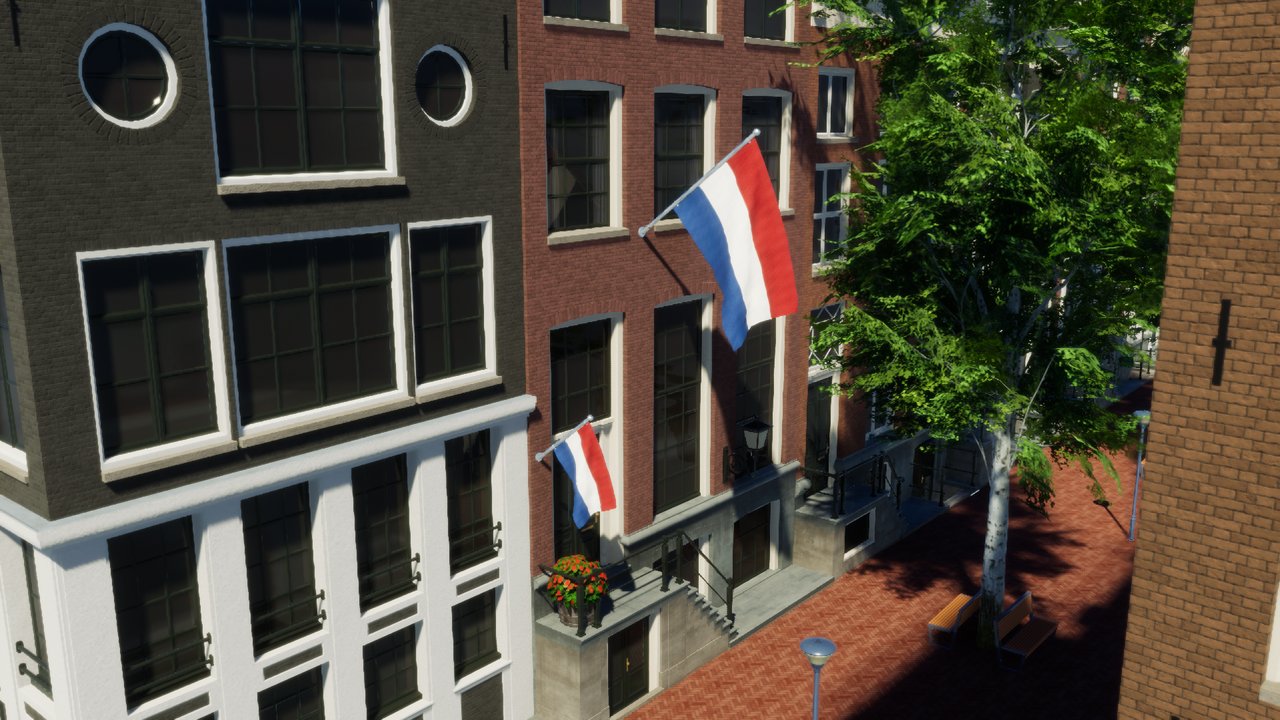
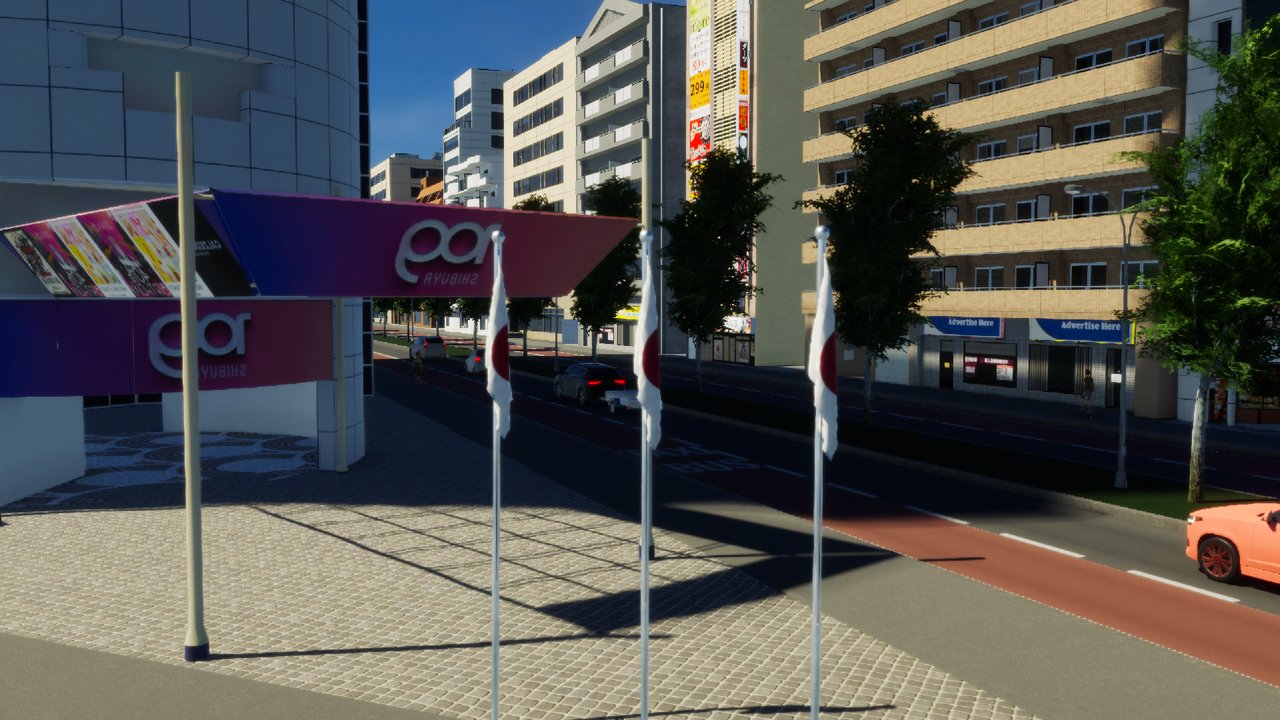
Available flag versions:
For horizontal images:
 Flag without wind – small, large and very large
 Flag with wind, animated – small, large and very large
 Wall-mounted flag – small and large
For vertical images:
 Vertical flag without wind
 Vertical flag with wind, animated
How to use
1. Uploading an image here
You can upload one PNG file per submission, up to 4 MB. The image needs to have an aspect ratio of 3:2 (or 4:1.5 if you want a vertical flag) and have a good resolution. Using an image with a different aspect ratio will lead to distortion and using an image with a low resolution will lead to a blurry or pixelated texture. The name the image file has will be treated as the name of the country/state/whatever that the flag belongs to and will be used in the name of the in-game asset. So for example, an image that is uploaded with the name "USA.png" will produce assets with the name "USA [variant name]". Submitting is limited to 2 images per 24 hours per user.
2. Your request will be processed
As of October 12th, processing of submissions will not be done daily anymore but on select, not pre-determined days, usually on weekends.
3. You receive the download link for your asset in an email sent to the address you entered in the submission
The link is valid once and expires after downloading the asset. If you submitted more than one flag with the same email address, they all come in a single email with one link per flag. The link lets you download a .cok file that is named after the internal hash that was assigned to the flag during processing.
4. Importing the asset file into the game
To do this, you need to create a new folder called "Mods" at C:\Users\user\AppData\LocalLow\Colossal Order\Cities Skylines II, and then move the .cok file you received directly into that Mods folder. If Cities: Skylines 2 is already running, restart it afterwards so it picks up the new files.
5. Finding the assets in the game
The assets are located in the Parks Props menu and are searchable with Find It by typing in the name you submitted.
If you have any questions or feedback or encounter a problem, feel free to let me know at cities.flagit@gmail.com.